In a nutshell
- ⚡ TV dust is driven by static: screens accumulate charge via the triboelectric effect, especially in dry UK winters, turning them into dust magnets.
- 🧴 Dryer sheet swipe reduces static: a used sheet transfers mild anti-static agents (cationic surfactants), cutting attraction so screens stay clearer for longer.
- 🧽 Safe method: power off, wipe with a clean microfiber first, then a feather-light pass with a used, unscented dryer sheet; avoid spraying liquids and harsh chemicals.
- 🛑 What to use vs avoid: use microfiber, a used dryer sheet, and distilled water for spots; avoid fresh sheets, paper towels, alcohol, ammonia, and vinegar.
- 🌬️ Maintenance tips: keep humidity around 40–50%, be gentle and infrequent, and focus on charge management to reduce cleaning cycles and preserve coatings.
Smudges, lint, and fine particles seem magnetically drawn to your television, softening contrast and leaving a dusty veil over your favourite shows. Many households now rely on a quick, surprisingly effective trick: the dryer sheet swipe. By gliding a used dryer sheet across the screen, you can reduce static and keep dust at bay for days. This is not a miracle cure but an elegant nudge of physics. A tiny change in surface charge makes a visible difference to clarity and cleaning frequency. As long as you follow a few simple precautions, the method is safe, economical, and perfect for a UK home where central heating often dries the air and intensifies dust problems.
Why TV Screens Attract Dust
Modern flat panels—LCD, LED, and OLED—sit behind plastic or glass layers that develop an electrostatic charge. As you wipe, walk on carpet, or even peel off a protective film, electrons build on the screen in a textbook example of the triboelectric effect. Charged surfaces behave like dust magnets, drawing airborne fibres and skin flakes that drift through heated rooms. When humidity drops, common in British winters with radiators humming, the charge dissipates slowly, so particles cling and streaks spread.
Once attached, dust is stubborn because every attempt to brush it away can top up the static. That’s why a standard dry cloth often seems to make matters worse. Break the charge, and you break the cycle of constant re-dusting. Disrupting that charge is precisely where a humble dryer sheet—ideally a used one—earns its keep, leaving the surface less hospitable to particles without resorting to harsh liquids.
How a Dryer Sheet Changes the Static
Dryer sheets are infused with anti-static agents, typically cationic surfactants, that balance charge and reduce friction. During laundry, they coat fabrics with a microscopic film that prevents cling. On a TV screen, a light swipe can transfer a whisper-thin layer that neutralises surface charge, so dust is less attracted and is easier to dislodge. This simple swipe tweaks the surface energy, cutting the stickiness that keeps fine particles glued to pixels.
Use a used dryer sheet rather than a fresh one. New sheets may carry more softeners, which risks smears on delicate anti-glare coatings. The goal is not polishing but charge management. After an initial clean with a dry microfiber cloth, a gentle pass of the dryer sheet helps the screen resist the next wave of dust. It’s a physics-first approach: minimise accumulation rather than chasing it daily.
Safe Step-by-Step: Swiping Without Smears
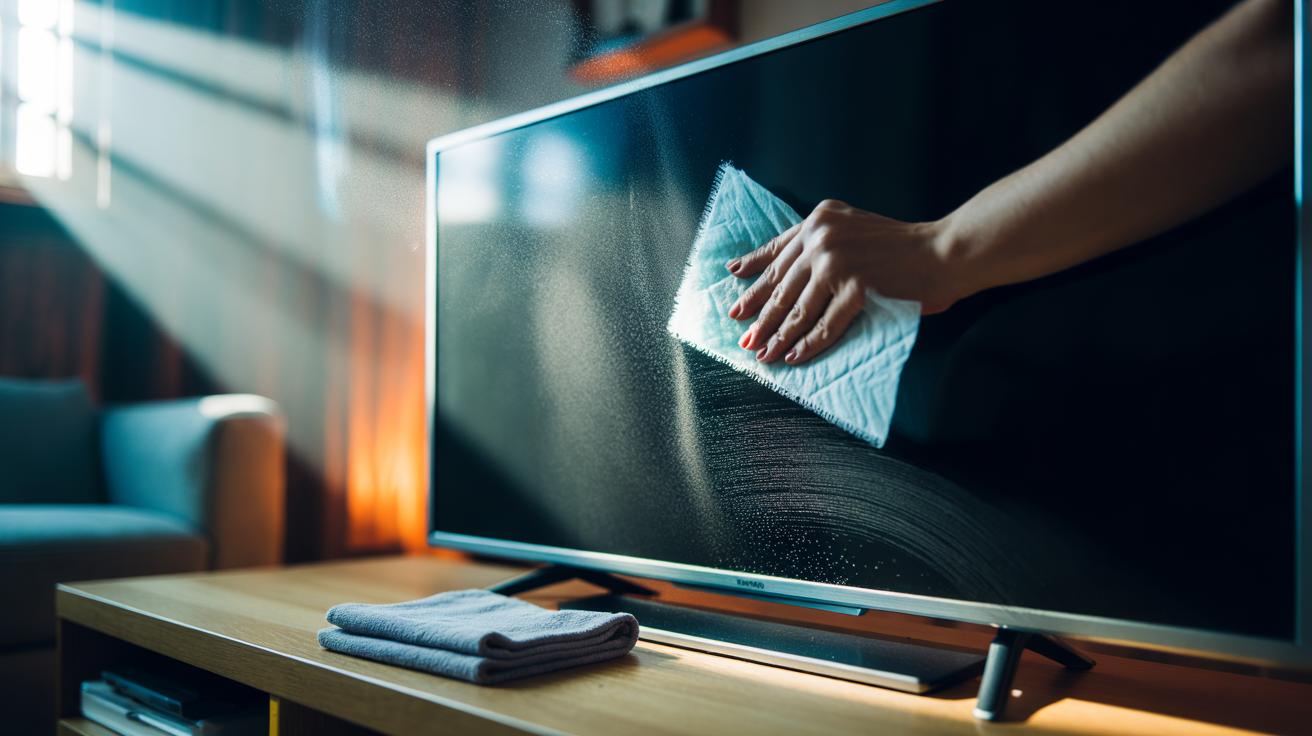
Start by turning the TV off and letting the panel cool, which makes grime easier to see and prevents static from building as quickly. With a clean, dry microfiber cloth, lift obvious particles using minimal pressure and straight, horizontal strokes. Do not use kitchen roll, which can be abrasive. Now take a used, unscented dryer sheet, fold it, and glide it once or twice across the screen. Keep the pressure feather-light to protect anti-glare coatings. Target corners and the bezel edge, where charge concentrates.
If you encounter sticky spots, lightly dampen the microfiber with distilled water—never spray the screen—and dab, then dry. Avoid alcohol, ammonia, and vinegar on TVs unless your manufacturer explicitly allows them. For OLED and high-end anti-reflective layers, be especially gentle and limit frequency to occasional maintenance. The watchwords are light, infrequent, and dry. When done, store the sheet for future dusting; one will last for multiple quick swipes.
What to Use, What to Avoid
Choosing the right tools ensures you neutralise static without leaving residue. Prioritise a lint-free microfiber and a used dryer sheet, then keep liquids as a last resort. Any gritty cloth or aggressive cleaner can scratch or strip coatings, permanently dulling the image. The table below lays out quick choices for a clean, low-static finish.
| Item | Best Use | Caution |
|---|---|---|
| Used dryer sheet | Static reduction; quick dust repellence | Apply light pressure; avoid scented residue |
| Microfiber cloth | Primary dry cleaning; lint-free lifting | Wash separately to avoid embedded grit |
| Distilled water (lightly dampened cloth) | Spot removal after dry dusting | Never spray directly on the panel |
| Fresh dryer sheet | Not recommended | May leave films or smears |
| Paper towels or tissues | Avoid | Can scratch and shed lint |
Adopt a rhythm: dust with microfiber, swipe with a used dryer sheet, and reserve damp cleaning for marks only. Keep indoor humidity moderate—around 40–50%—to discourage static build-up in heated rooms. Consistency matters more than force. By focusing on preventing charge rather than battling residue, your TV remains clearer for longer and needs less intrusive cleaning that risks wear.
The dryer sheet swipe works because it respects the science of static and the fragility of modern coatings. Treat the screen like a lens: dry first, gentle always, and chemical-light. In most UK homes, that single anti-static pass means fewer interruptions during film nights and less dust sparkling across dark scenes. A small tweak in your routine can pay off in lasting clarity. What other quiet, physics-led habits could you adopt around the house to keep surfaces cleaner for longer without harsher products?
Did you like it?4.5/5 (28)